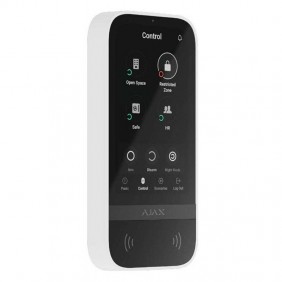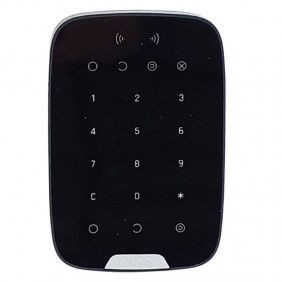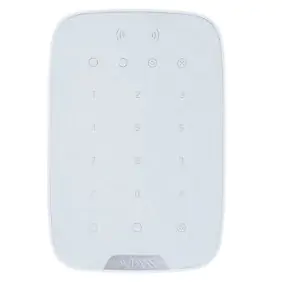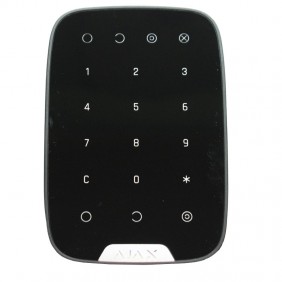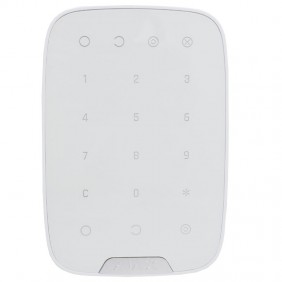
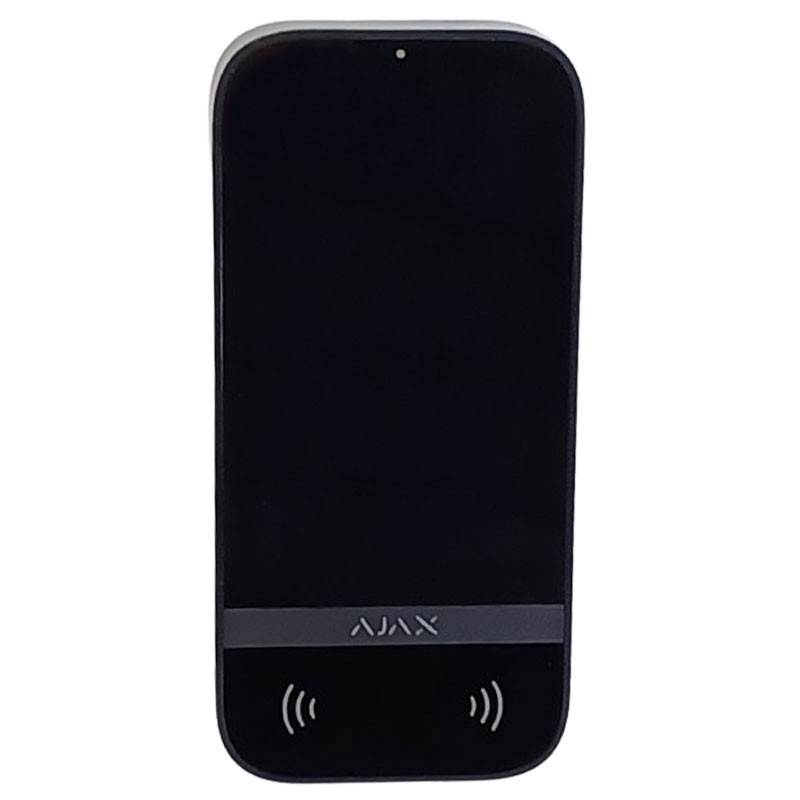
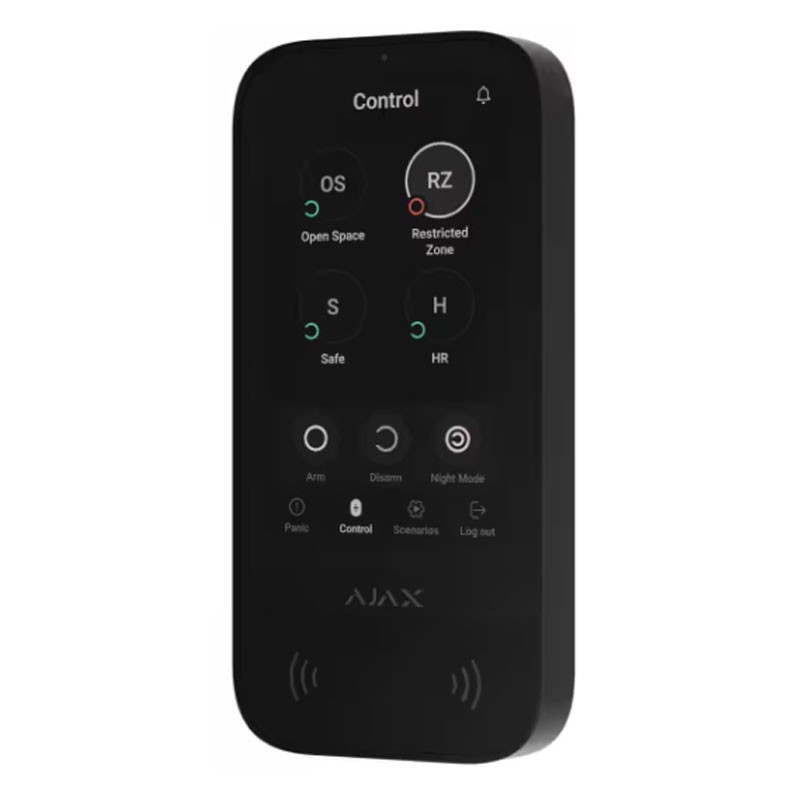
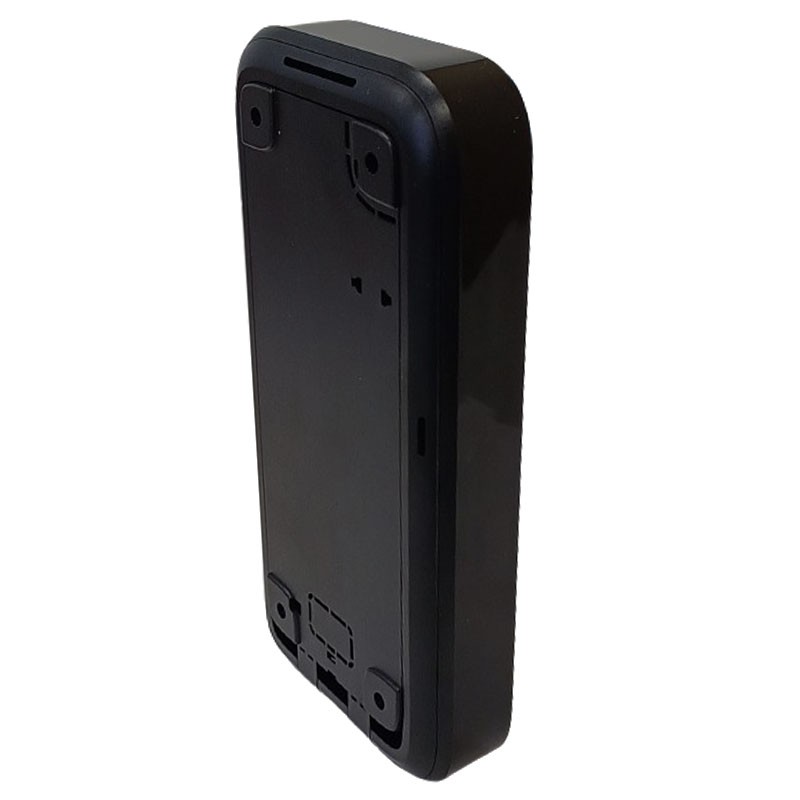
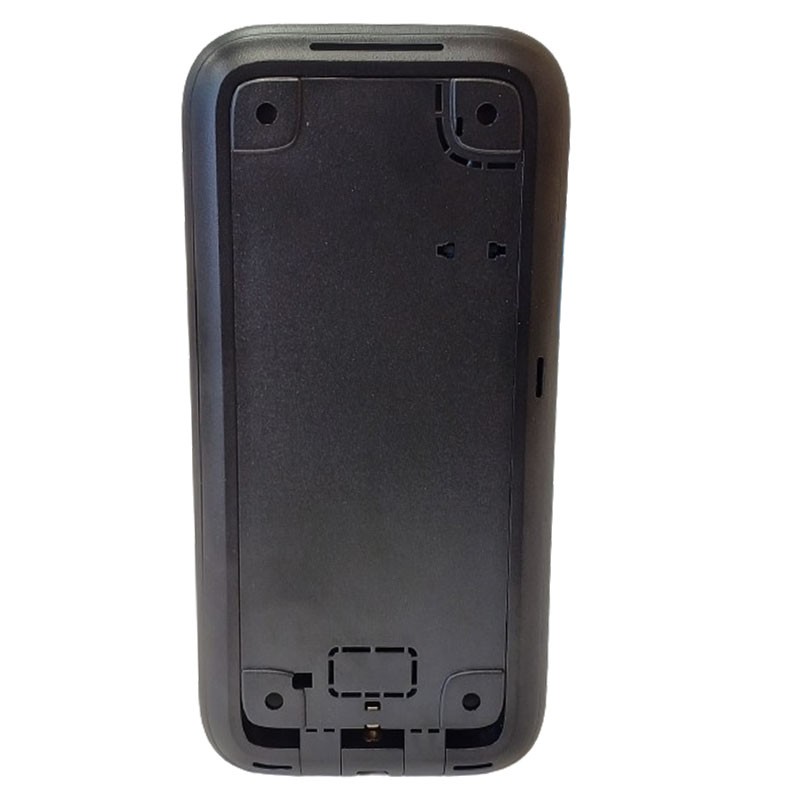

The black KeyPad TouchScreen Jeweller is an Ajax wireless keyboard with a 5" screen designed to provide a simple, fast and highly secure security management experience. Featuring an IPS touch screen, code authentication, contactless devices and smartphones, it supports up to 200 users and also enables one-touch activation of panic, fire or emergency alarms. The sleek design and intuitive interface make it perfect for both residential and professional environments.
KeyPad TouchScreen Jeweller combines security and automation device management. The intuitive keyboard interface mirrors that of Ajax apps and supports multiple languages, making the keyboard easy to use. The large screen, DESFire® and BLE technologies, and various code options ensure a secure and efficient experience.
Easily manage the security of multiple areas. Users can view which areas are entered and make changes with a single touch, whether protecting a single area, multiple areas, activating night mode, or entering an entire facility. The keypad displays security modes and entry/exit delays with a color display.
The keypad features a separate board with up to 6 buttons for managing automation devices. Areas simplify the process of controlling multiple automation devices, such as switches, relays or outlets. For example, users can assign all LightSwitch devices to a single button and easily turn off all lights in the house before going to bed.
Stay informed at all times with the built-in buzzer, which alerts you to alarms, door openings, and entry/exit delays. PRO can smoothly adjust the sound volume on a smartphone or PC. Keypad keeps you aware of potential problems with malfunction notifications during entry.
Keyboard control via smartphone with the Ajax app. Only those approved by the administrator have access rights.
When someone uses the Pass card or Tag key fob, it is recorded in the event log in Ajax apps. The system administrator can revoke or restrict the access rights of the contactless access device at any time.
KeyPad TouchScreen Jeweller supports the following types of codes:
The Pass card and Tag key fob are equipped with original DESFire® chips and have the same functionality but with different cases. Users can choose the shape that is most convenient for them. One Tag or Pass can manage up to 13 security systems. Access devices are sold separately in batches of 3/10/100
Change access rights and codes in real time in Ajax apps. Compromised codes can be changed remotely in minutes, eliminating the need to visit the facility.
Access codes can be easily assigned in the hub settings, making it easier for office employees, cleaning staff, or others to access the area.
The KeyPad TouchScreen Jeweller keyboard features a board with configurable panic buttons that can indicate three types of events. If the user is forced to disarm the system, they can use a duress code. This simulates disconnection and simultaneously sends an alarm to the security company.
A high-resolution screen has all the necessary controls, ensuring a visually stunning, high-quality image. Equipped with automatic brightness adjustment and an elegant glass material, KeyPad TouchScreen Jeweller combines aesthetics and practicality.
Wireless installation ensures a quick setup process for seamless operation. Ajax apps provide low battery alerts, ensuring that safety is never compromised.
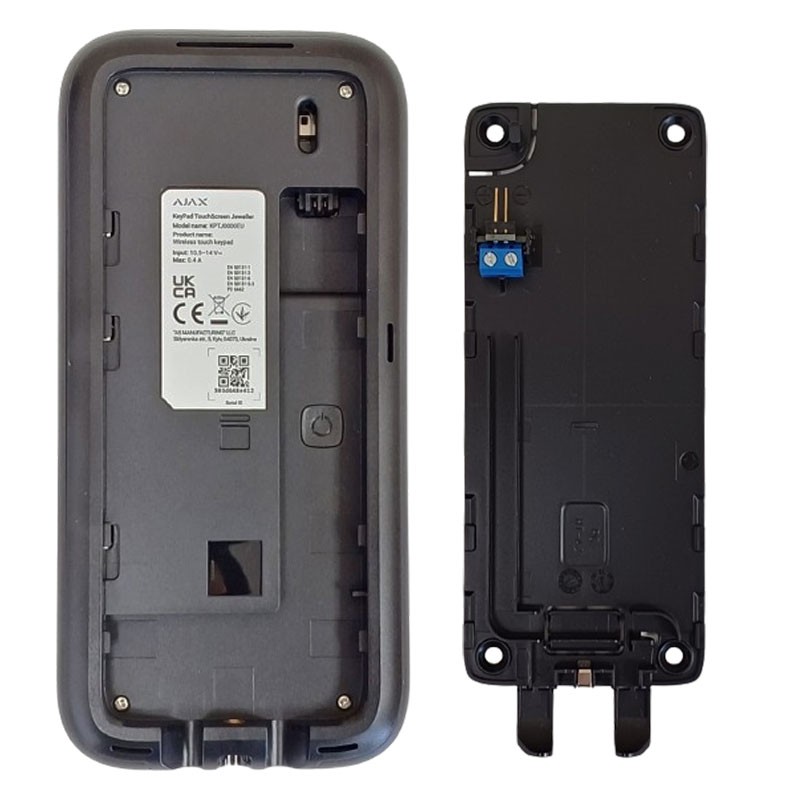
To ensure uninterrupted operation of the device, connect it to a 12 V⎓ power supply for longer battery life. The preinstalled batteries serve as a reliable backup.
| Ajax Device | Compatibility |
|---|---|
| Hub 2 (2G) Jeweller | Compatible |
| Hub 2 (4G) Jeweller | Compatible |
| Hub 2 Plus Jeweller | Compatible |
| Hub BP Jeweller | Compatible |
| Superior Hub Hybrid (2G) | Compatible |
| Superior Hub Hybrid (4G) | Compatible |
| Superior Hub Hybrid (4G) (without enclosure) | Compatible |
| ReX 2 Jeweller | Compatible |
| Feature | Description |
|---|---|
| Type | Proprietary wireless communication for commands, alarms and events |
| Key Features |
|
| Operating frequencies |
|
| Maximum radiated power (ERP) | Up to 20 mW |
| Radio modulation | GFSK |
| Communication range | Up to 1,700 m (in open field) |
| Encryption | Moveable key lock |
| Frequency hopping | Active, against eavesdropping and inhibition |
| Feature | Description |
|---|---|
| Type | Proprietary wireless communication for transmitting lists of areas, rooms and devices |
| Main features |
|
| Operating frequencies |
|
| Communication range | Up to 1,700 m (in open field) |
| Encryption | Mobile key lock |
| Frequency hopping | Active, against eavesdropping and inhibition |
| Feature | Value |
|---|---|
| Diagonal | 5″ |
| Matrix type | IPS |
| Resolution | 480 × 854 px |
| Sensor Type | Capacitive |
| Brightness settings |
|
| Backlight duration | 30,000 hours |
| Always-on screen | Available only with external power supply |
| Function | Detail |
|---|---|
| Panic buttons |
|
| Control modes |
|
| Contactless access |
|
| Authorization via smartphone |
|
| Code-free entry | Enabled by app for quick access |
| Area management | Directly from the screen, for assigned areas |
| Scenario management | Up to 6 buttons to control automations or groups |
| Code Type | Quantity / Notes |
|---|---|
| Personal codes | Up to 200 (depends on the hub) |
| Single keyboard code | 1 code per KeyPad TouchScreen keyboard |
| Coercion codes | Up to 200 (1 per user) |
| Unregistered user codes | Up to 99 (depends on hub) |
| Function | Detail |
|---|---|
| Status indication |
|
| Reported alarms |
|
| Fire alarm silencing | Alarm deactivation and interconnected alarms |
| Pre-authorization | Request to view status and controls |
| Automatic wake-up | Activation upon approach detection (adjustable from app) |
| Function | Description |
|---|---|
| Firmware update | Managed by administrator or PRO, remotely via Ajax app |
| Upgrade requirements | Keyboard must be externally powered |
| Parameter | Value |
|---|---|
| Type | ACE type B |
| Feature | Detail |
|---|---|
| Usage environment | Indoor environment only |
| Requirements for firmware upgrade | External power supply required |
| Screen always active | Available only with external power supply |
| Type of protection | Description |
|---|---|
| Auto-lock | The keyboard will lock if:
|
| Tamper alert | Notifications in case of attempted removal or tampering |
| Mounting screw | For secure mounting on SmartBracket |
| Protection against counterfeiting | Secure device authentication |
| Communication loss detection | Within 36 seconds (depends on Jeweller or Jeweller/Fiber settings) |
| Source | Specifications |
|---|---|
| Batteries | 6 × AA (preinstalled) - type C |
| Estimated battery life | Up to 1.5 years (with default settings and 4 interactions/day) |
| Operating voltage | 10.5-14 V⎓ (nominal 12 V⎓) |
| Quiescent current | 46 μA |
| Maximum current | 1.5 mA |
| Full battery capacity | 2,650 mAh |
| Low battery voltage | 6,6 V⎓ |
| Recovery voltage | 8,1 V⎓ |
| End-of-life voltage | 4.92 V⎓ - device shuts down |
| Remaining capacity at end of life | 50 mAh |
| External power supply | Used to keep the screen always on and for firmware updates |
| Parameter | Value |
|---|---|
| Dimensions | 172 × 82 × 26 mm |
| Weight | 327 g |
| Operating temperature range | -10 °C to +40 °C |
| Maximum allowable humidity | up to 75% |
| Element | Included |
|---|---|
| Device | KeyPad TouchScreen Jeweller |
| Holder | SmartBracket mounting panel |
| Power | 6 AA batteries (preinstalled) |
| Installation kit | Screws and dowels |
| Documentation | Quick guide |

There are no reviews
Data sheet