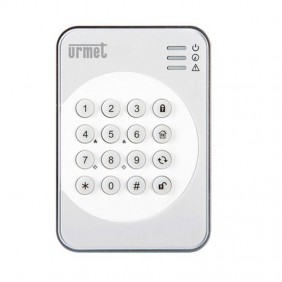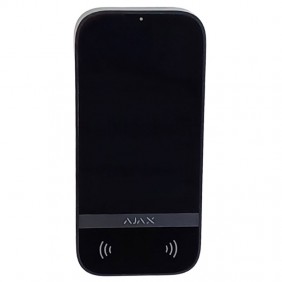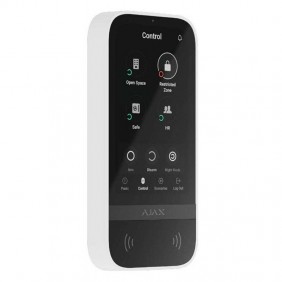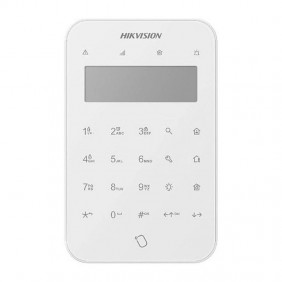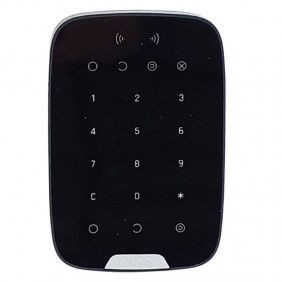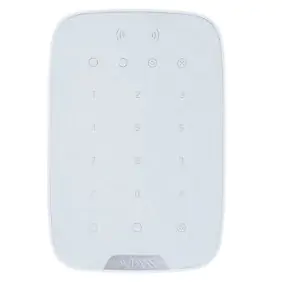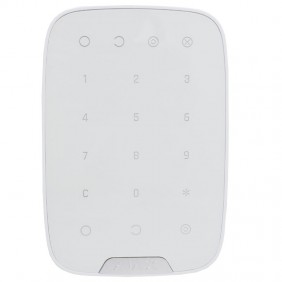

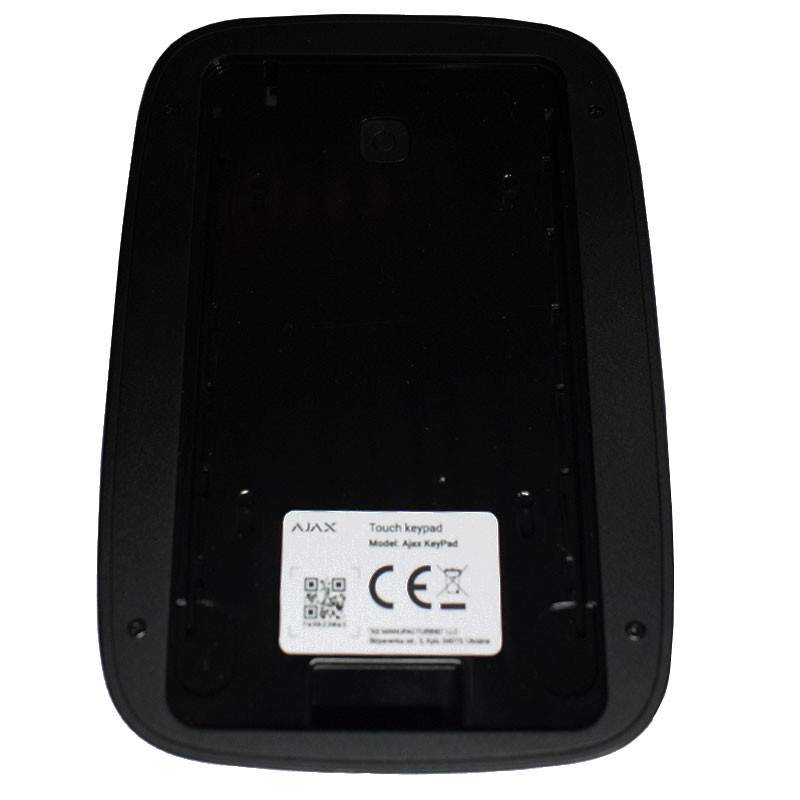
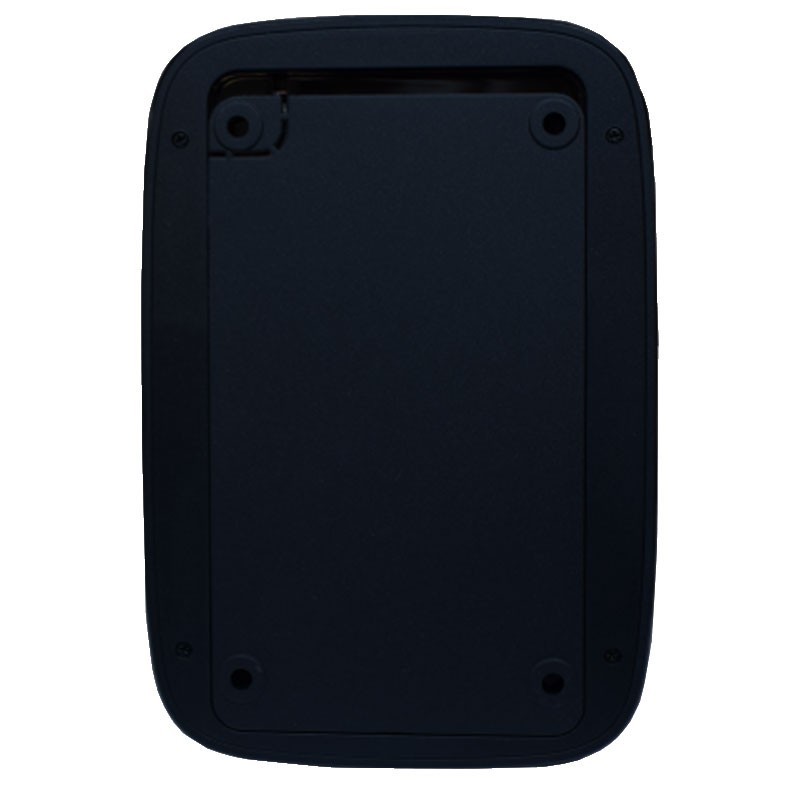

The black Ajax KeyPad Jeweller is a wireless touch keyboard designed to provide fast, secure and intuitive control of the Ajax alarm system. Ideal for installation near entrances, it allows you to turn the alarm on or off, manage security modes, send silent alarms and more, all with a simple keystroke.
With encrypted communication, anti-tampering and management of up to 200 codes, this keypad is an essential device for any Ajax installation.
Wireless, touch keypad used to engage/disengage the Ajax security system. To be mounted near the entrance of a room to provide quick access to the keypad.
The device activates security modes after entering a digital code on the keypad. Displays indications of security status, detector problems, or interruption of communications with the hub.
Alarm button available. Sends notification with each code entry attempt and automatically locks when the maximum number of allowed attempts is reached.
Immediately ready to use: battery is already inserted, no need to disassemble the device. Connects to the hub via mobile app with one click. Mounts to the SmartBracket in minutes.
KeyPad supports up to 99 keyboard access codes1 for people not registered in the Ajax system. Thanks to this feature, there is no need to create an account for office employees, cleaners, or maintenance workers: simply assign a person an access code in the hub settings.
| Compatible Devices |
|---|
| Hub (2G) Jeweller |
| Hub (4G) Jeweller |
| Hub 2 (2G) Jeweller |
| Hub 2 (4G) Jeweller |
| Hub 2 Plus Jeweller |
| Hub BP Jeweller |
| Hub Hybrid (2G) |
| Hub Hybrid (4G) |
| Hub Hybrid (4G) (without casing) |
| Hub Plus Jeweller |
| ReX 2 Jeweller |
| ReX Jeweller |
| Feature | Description |
|---|---|
| Description | Proprietary wireless communication technology for transmission of commands, alarms and events. |
| Key Features. | - Two-way communication. - Advanced anti-sabotage system. - Block encryption with mobile key. - Instant notifications. - Remote control and configuration in Ajax apps. |
| Operating frequencies. | - 866.0 - 866.5 MHz - 868.0 - 868.6 MHz - 868.7 - 869.2 MHz - 905.0 - 926.5 MHz - 915.85 - 926.5 MHz - 921.0 - 922.0 MHz Based on sales region. |
| Maximum effective radiated power (ERP) | up to 20 mW |
| Automatic power control | Reduces power consumption and radio interference. |
| Radio signal modulation | GFSK |
| Radio communication range | Up to 1,700 m (between the keyboard and the hub or repeater in an open space) |
| Encrypted communication | All saved and transmitted data are protected by block encryption with a moving key. |
| Frequency hopping | To avoid radio interference and signal inhibition. |
| Feature | Description |
|---|---|
| Sensor type | Capacitive |
| LED Indication | Signals safety modes, detector malfunctions and loss of communication with the hub. |
| Button function | - Alarm: sends alert to CRA and users, activates sirens - Silence fire alarm: disables interconnected fire alarms - Off: button disabled |
| Access Codes. | - Up to 200 personal codes (one for each user, depends on hub model) - 1 keypad code (general for KeyPad) |
| Coercion codes | - Up to 200 personal codes - 1 keypad code |
| Codes for unregistered users | Up to 99 personal codes (depends on hub model) |
| Area security management | Enter the general keypad code and area ID to control the security of the assigned area. |
| Type ACE | Type B |
| Feature | Description |
|---|---|
| Protection against code guessing attempts | KeyPad locks for 3-180 minutes if an incorrect code is entered 3 times within 1 minute. The time is adjustable by a PRO or administrator via the Ajax app. |
| Tamper alarm | Notifications if an attempt is made to detach the keyboard from the surface or remove it from the mounting panel. |
| Counterfeit protection | Device authentication |
| Detection of connection loss | Within 36 s (depends on Jeweller or Jeweller/Fiber settings) |
| Feature | Description |
|---|---|
| Batteries | 4 × AAA (preinstalled) |
| Type | Type C |
| Calculated battery life | up to 2 years |
| Operating voltage | 1,9-3,3 V⎓ |
| Rated voltage | 3 V⎓ |
| Idle consumption | 86.5 µA |
| Maximum consumption | 225 mA |
| Full battery capacity | 2,000 mAh |
| Low voltage | 2,15 V⎓ |
| Low recovery voltage | 2,6 V⎓ |
| End-of-life voltage | 1.9 V⎓ (device is turned off) |
| Capacity at end of life | 150 mAh |
| Manufacturer | Huiderui |
| Feature | Description |
|---|---|
| Dimensions | 150 × 103 × 14 mm |
| Weight | 197 g |
| Operating temperatures | -10°C to +40°C |
| Maximum allowable humidity | to 75% |
| Element | Description |
|---|---|
| Main device | KeyPad Jeweller |
| Mounting panel | SmartBracket |
| Batteries | 4 AAA batteries (preinstalled) |
| Installation accessories | Installation kit |
| Documentation | Quick Start Guide |
Data sheet