Bticino Sfera Classic 2-button analog sound module 352500
BTI 352500
8005543457573
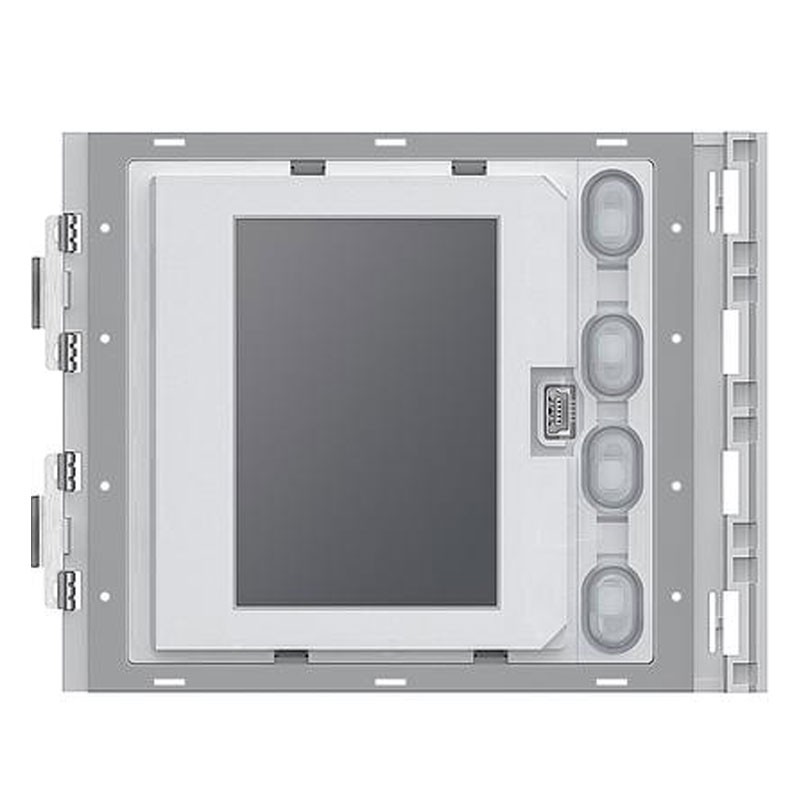
Phonic module with graphic display Bticino SFERA SERIES, with the following features:
- Power supply from SCS BUS: 18 - 27 Vdc
- Standby absorption: 40 mA
- Maximum absorption in operation: 50 mA
- Display type: FSTN negative transflective
- Display resolution: 160 x 240
- Degree of protection (button panel assembled): IP54
- 1 module
- Dimensions: height 91mm - width 115mm
- Connection: SCS-BUS
- System type: 2 wires / 2 wires
- Operating temperature: -25°/+70°C
€372.72
€372.72
Items Available: 8
€372.72
Buy it within and receive it from Wednesday, 24 December
Frequently bought together
Advantages:
- Module with graphic display to be combined with phonic module 351100 or audio video modules 351200 - 351300 (connection via multi-cable provided)
- Can operate in two modes: call from phonebook or digital call. Calling from the phonebook allows the call to be sent by scrolling through the display of the names associated with the residents
- 4000 resident callsigns can be stored
- In conjunction with the 353000 keypad module, it is also possible to make a direct call to the apartment by simply dialing the number corresponding to the resident
- Digital call, is always made in conjunction with keypad module 353000 by dialing numeric code
- We recommend pairing the keypad with one or more 352200 nameplate modules to display the correspondence between numeric codes and user names
- It is possible to program the names in the directory in two different ways: manual entry via the buttons on the display module or entry via PC with specific software by downloading the file to the display module (RECOMMENDED)
- Power failure of the system does not cause loss of stored data
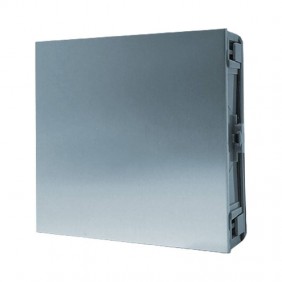
- To be completed with finishing front panel (codes, 352501, 352503,352503, 352505)
- Device does not need to be configured
- For the French market only: the device can be integrated into Vigik access control systems. In this case, the following data can be programmed and managed with access control system management devices: resident directory names and direct call codes
PC connection: You can program the residents' address book and update the Firmware of the device via PC and specific software, which can be downloaded free of charge from: www.homesystems-legrandgroup.com. For connection to the PC, use a USB/mini USB cable. The presence of the mini USB connection on the front of the module, allows you to perform these operations without having to disassemble the device.

Data sheet
- Type: Door stations/Outdoor Intercoms
- Components: Modules
: 1