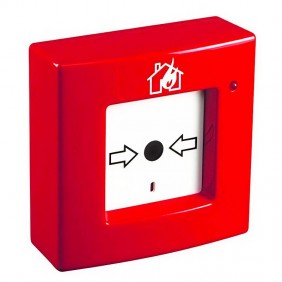
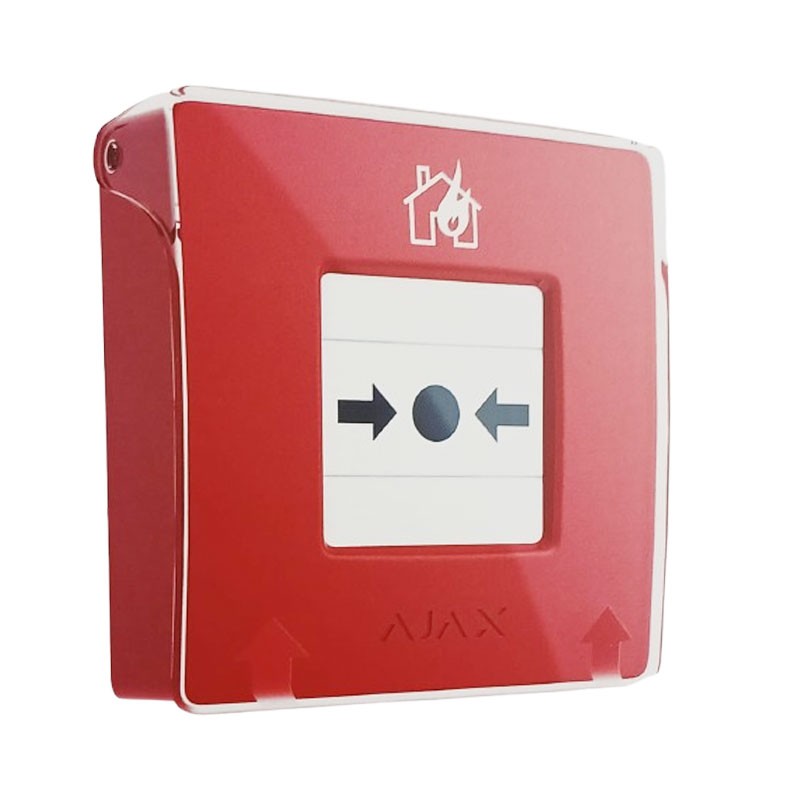
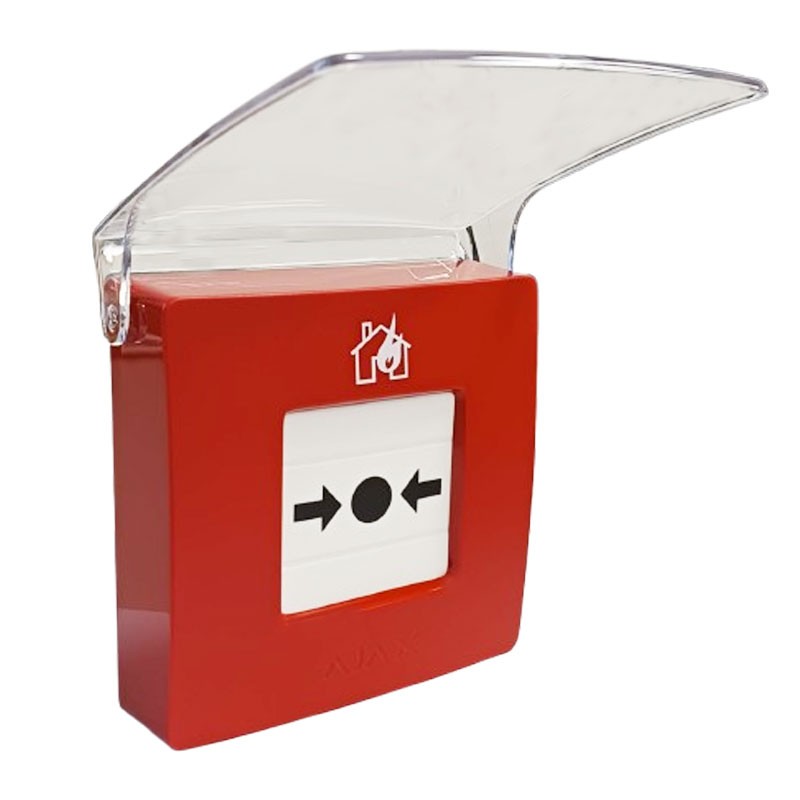

Ajax ManualCallPoint Jeweller Wireless Fire Fighting Button - Red:
Device type: resettable wireless fire button
Compatibility: central EN54 Fire Hub Jeweller
Operation modes: fire alarm, scenario activation, panic button, gas leak alarm, malfunction warning, water leak alarm
Status indicator: LEDs for alarm and malfunctions
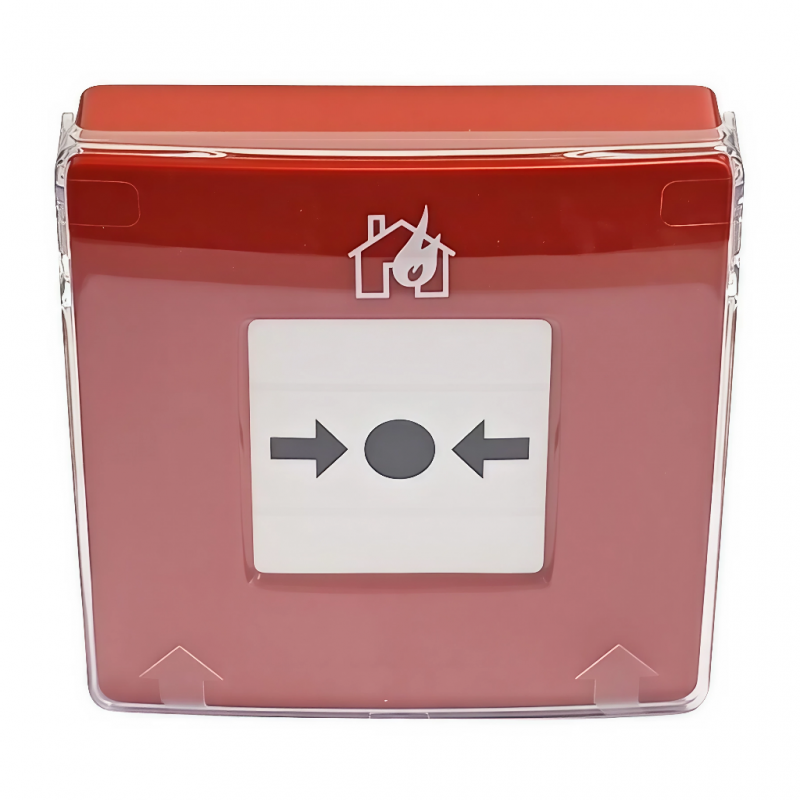
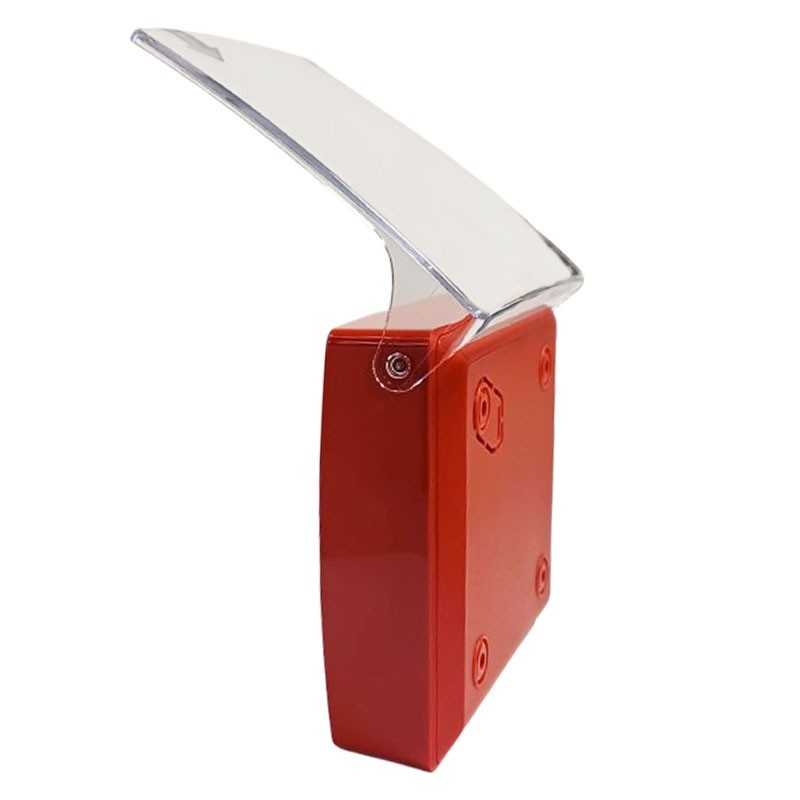
Protection: transparent cover against accidental pressure
Reset: via dedicated key
The Ajax ManualCallPoint Jeweller wireless fire button is designed to enable quick and safe manual activation of the fire alarm inside residential or commercial buildings. The red version provides high visibility and immediate use in an emergency.
The device incorporates a resettable frangible element, which, when pressed, activates the alarm or initiates programmable scenarios. Two yellow stripes indicate the status of the device, allowing quick visual identification of activation.
ManualCallPoint (Red) Jeweller is a quick and easy way to activate the fire alarm. Pressing the button activates the built-in sirens of all fire detectors in the system, and users are notified. Meanwhile, the central alarm receiving center (CRA) receives the alarm and calls the emergency services. All data are immediately available in Ajax apps: which device was activated, when and where. In case of a life-threatening situation, Ajax's innovative functions follow the alarm within seconds: automation scenarios turn off system power, turn on emergency lights, and unlock exits.
The main function of the button is to warn people of danger and must not fail when necessary. To ensure this, Ajax has developed a simplified push-button mechanism to reduce the risk of failures, an advanced device supervision system, and versatile methods for informing both people on the premises and those in charge.
ManualCallPoint (Red) Jeweller activates the built-in sirens of all fire detectors in the system via the interconnected fire alarm function. At the same time, an alarm is sent to users and the central alarm receiving area (CRA). In addition, indoor and outdoor intrusion sirens can be activated to attract the attention of as many people as possible.
ManualCallPoint features an accurate and reliable button-press mechanism. A small malfunction can be crucial in a critical situation. The mechanism is simplified into several solid parts. In this way, the button cannot get stuck or fail to physically activate, reducing the possibility of malfunction in times of emergency.
The button is designed for more than 500 presses during its life cycle. If the button has activated once, it will continue to do so reliably. Ajax rigorously tests 100% of the production during manufacturing. If the button passes the tests at the time of installation, it will surely sound an alarm if necessary.
ManualCallPoint is part of the Ajax ecosystem, turning the button into a real IoT device. Every element of the ecosystem is constantly monitored. The button exchanges data with a hub via the Jeweller radio protocol. The hub has two-way communication with Ajax Cloud that provides real-time information to Ajax apps.
The device does not require periodic activation testing to ensure its proper functioning-the Ajax system oversees its status every minute. If a button has a problem, you will receive a notification specifying the problematic button in the system.
| Feature | Value |
|---|---|
| Compatible Devices | - EN54 Fire Hub Jeweller - Hub (4G) Jeweller - Hub 2 (2G) Jeweller - Hub 2 (4G) Jeweller - Hub 2 Plus Jeweller - Hub BP Jeweller - Hub Plus Jeweller1 - Superior Hub Hybrid (2G) - Superior Hub Hybrid (4G) - Superior Hub Hybrid (4G) (without case) - EN54 Fire ReX Jeweller - ReX 2 Jeweller - ReX Jeweller |
| Feature | Value |
|---|---|
| Jeweller Technology | Proprietary wireless technology for transmission of commands, alarms and events - Two-way communication - Advanced anti-sabotage protection - Block encryption with mobile key - Instant notifications - Remote control and configuration via Ajax app |
| Operating frequencies | 866.0-866.5 MHz 868.0-868.6 MHz 868.7-869.2 MHz 905.0-926.5 MHz 915.85-926.5 MHz 921.0-922.0 MHz (Based on sales region) |
| Effective radiated power (ERP) | Up to 25 mW Automatic power control to reduce power consumption and interference |
| Radio signal modulation | GFSK |
| Radio communication range | Up to 1,700 m in open field Between the button and the hub (or repeater) |
| Encrypted communication | Block encryption with moving key for all saved and transmitted data |
| Frequency hopping | Avoids radio interference and signal inhibition |
| Feature | Value |
|---|---|
| Resettable breakable element | When pressed, the button is activated by triggering an alarm or initiating a scenario. Two yellow stripes indicate the status of the device. |
| Mode of operation | - Fire alarm - Scenario activation - Emergency help - Panic button - Gas leak alarm - Malfunction warning - Water leak alarm Can activate alarms or control Ajax devices |
| LED status indicator | - Fire alarm - Malfunctions LED indicator lights up when events occur |
| Interconnected fire alarms | By pressing the button, the system's fire detectors activate the built-in sirens |
| Critical alerts | Audible alarms are notified even if: - Device audio is muted - Do Not Disturb mode is active - Headphones are connected |
| Protection against accidental pressure | Transparent cover that can be lifted to access the button Protects against unintentional presses |
| Alarm transmission to CRA | Can be disabled via configuration |
| Feature | Value |
|---|---|
| Button reset | After pressing, insert the tool into the hole for resetting |
| Hole in the case | Allows the instrument to be hung on a keychain |
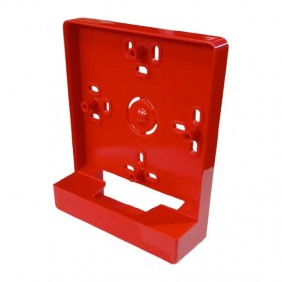
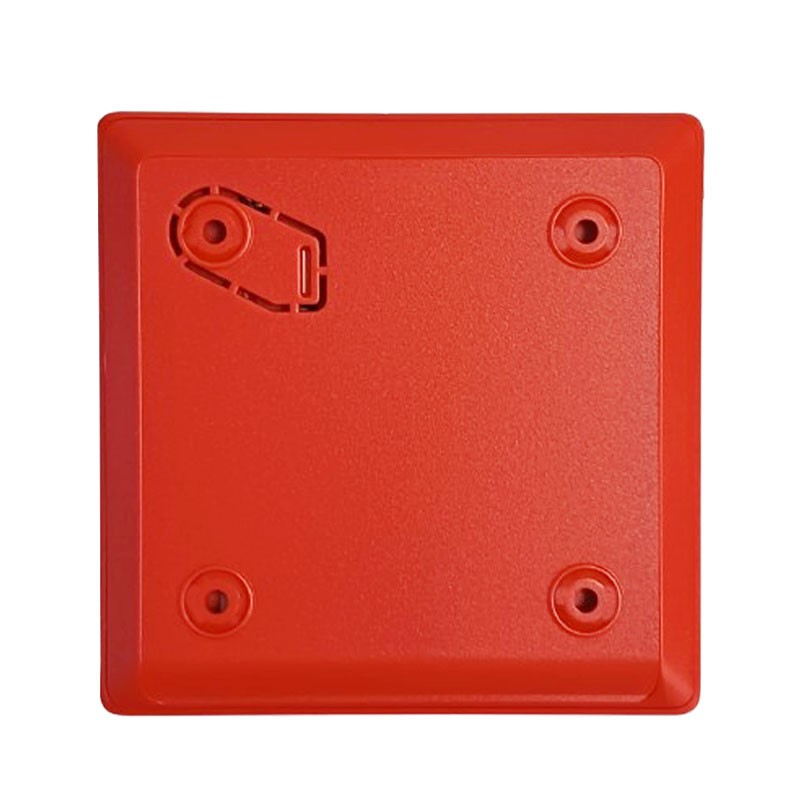
| Convenient disassembly | The tool opens the lock to disassemble the device from the SmartBracket holder |
| Feature | Value |
|---|---|
| Recommended location | Install in easily accessible places, about 1.4 m high |
| Installation environment | For indoor installation only |
| Feature | Value |
|---|---|
| Tamper alarm | Notifications when an attempt is made to remove the device from the media |
| Protection against counterfeiting | Via device authentication |
| Detection of connection loss | Within 36 seconds (depends on Jeweller or Jeweller/Fiber settings) |
| Feature | Value |
|---|---|
| Batteries | 2 × CR123A (preinstalled) |
| Estimated lifetime | Up to 7 years with normal use (e.g., 1-minute press per week) |
| Feature | Value |
|---|---|
| Dimensions | 102 × 104 × 39 mm |
| Weight | 214 g |
| Operating temperatures | 0 °C to +50 °C |
| Maximum allowable humidity | Up to 80% |
| Feature | Value |
|---|---|
| Contents | - ManualCallPoint (Red) Jeweller - SmartBracket mounting panel - Special tool (wrench) - 2 × CR123A batteries (pre-installed) - Installation kit - Quick Start Guide |

There are no reviews
Data sheet